Login View
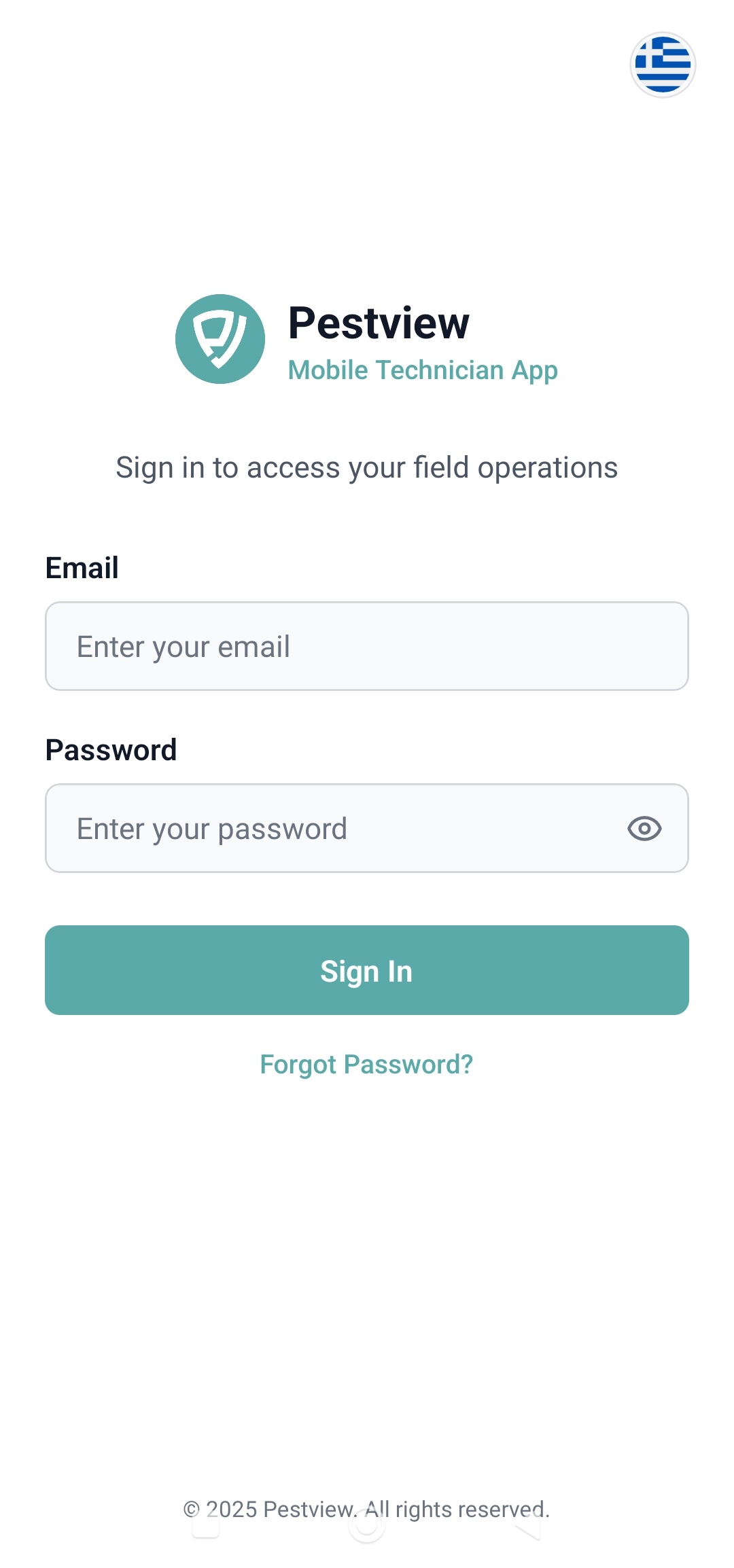
When the Technician opens the application for the first time after the installation or when they are not logged in, the first screen the see is the the Login View.
On this screen, the Technician enters their login details and presses the login button.
If the login is successful, the Technician is taken to the Home View screen.